
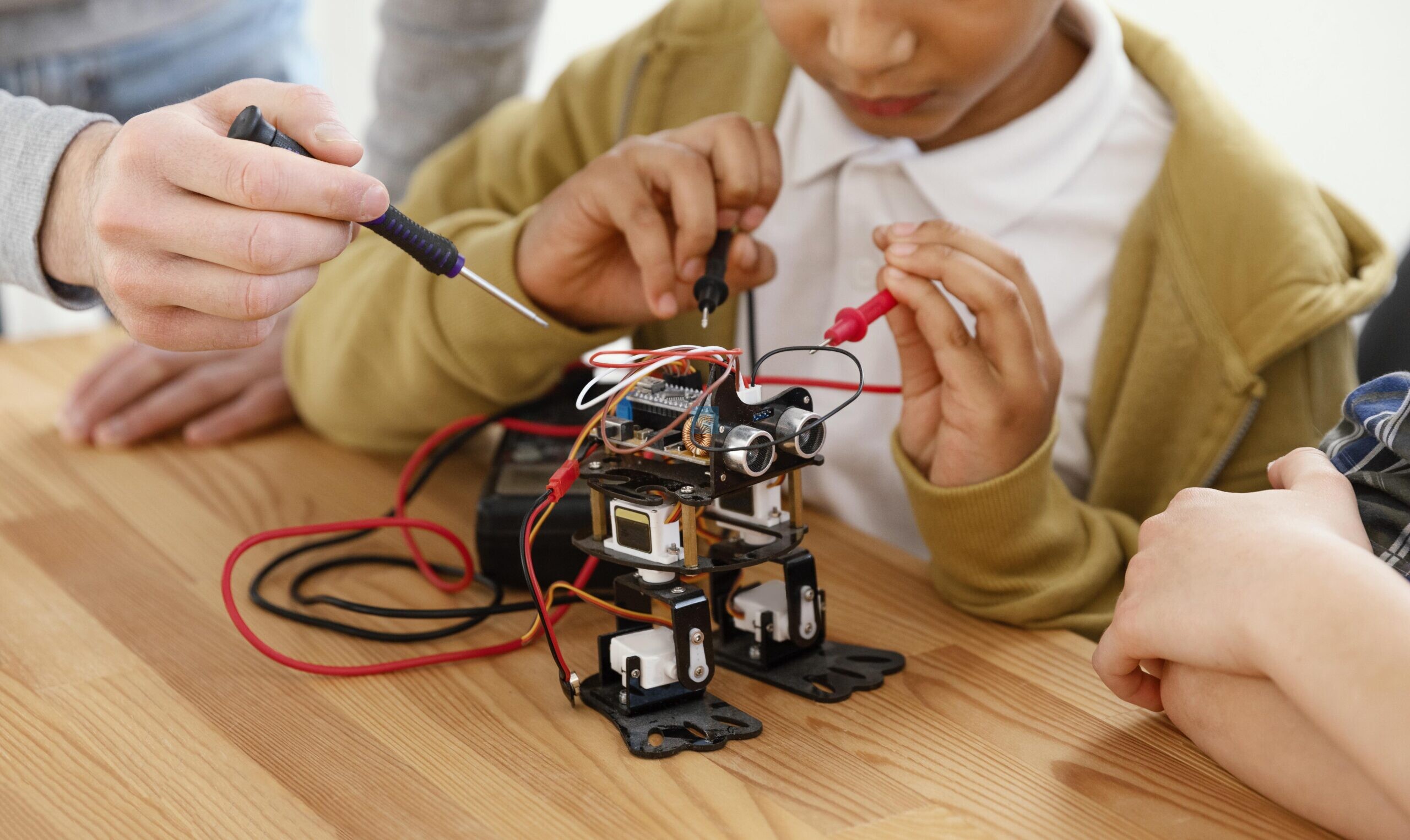
Arduino Projects for Students: Arduino has become one of the most popular ways for students to step into the world of electronics and programming. It’s affordable, beginner-friendly, and powerful enough to support projects that scale from simple blinking lights to fairly advanced robotics. If you’re looking for Arduino projects for students, this guide walks through ten ideas organised by difficulty level, so you can pick something that matches your current skills and gradually work your way up.
ALSO CHECK: Coding Project Ideas to Boost Skills & Scores
Arduino boards are inexpensive, well supported and have a large community of tutorials and forums, so troubleshooting is much easier than with other microcontroller platforms. The programming language is a simplified version of C/C++, so you can learn it even if you have never coded before. Arduino projects for students are great because they combine hardware and software, so learners are able to acquire practical skills beyond what a textbook can teach, from designing circuits to debugging logic errors.
10 Arduino Projects for Students: Beginner-Level Projects

1. Blinking LED
Here is where every Arduino journey begins. In this project, you will learn the basics of writing code, uploading it to the board and understanding digital output pins. That may sound too simple, but it is the foundation for just about everything else you’ll build later.
2. Traffic Light Simulation
You can simulate a real traffic signal with time delays using three LEDs (red, yellow, green). This project introduces sequencing and timing control, a core skill for many more advanced Arduino projects for students.
3. Temperature & Humidity Meter
You can connect a DHT11 or DHT22 sensor and display live temperature and humidity data on a screen or the serial monitor. This project is an introduction to working with sensors and reading analogue or digital data, a key skill for most environmental monitoring projects.
4. Night Lamp, Automatic
This project senses the ambient light levels of the surrounding environment by using a light-dependent resistor (LDR) and automatically turns on an LED whenever it gets dark. It’s a simple but satisfying way to begin using sensors to trigger actions in the real world.
Projects of Intermediate
5. Ultrasonic distance alarm
The distance can be measured using an HC-SR04 ultrasonic sensor, and when the object comes close enough, a buzzer or LED can be triggered. It is a popular choice for students working on Arduino robotics projects because distance sensing is an important feature of robots that avoid obstacles.
6. LED Setup with Bluetooth Control
You could use an HC-05 Bluetooth module with an Arduino and control LEDs or other outputs from your smartphone. This project presents wireless communication and provides you with a peek into IoT (Internet of Things) systems.
7. Digital Thermometer with LCD Display
This is a new version of the temperature sensor project. This version adds a 16×2 LCD screen to the device to display the readings directly instead of having to use a computer. Building standalone gadgets not tethered to a laptop is a good step.
8. Notification Intelligent Doorbell
This project uses a push button, buzzer and sometimes a Wi-Fi module like the ESP8266 to make an alarm and send a notification when someone rings the doorbell. This is a nice example of hardware triggers and simple automation logic.
Advanced-Level Projects
9. Obstacle-Avoiding Robot
Here we combine motors with an ultrasonic sensor and motor driver module to make a small robot that can move around obstacles by itself. It requires a solid grasp of hardware wiring and control logic, and is one of the most rewarding Arduino projects for students serious about exploring robotics.
10. Domestic Automation System
With optional relay modules, an Arduino can control real household appliances like lamps or fans, optionally via an app on a smartphone or a voice assistant. This project is a great way to safely play with higher voltage components and more complex code structures. It’s a great capstone project for students who want to show off more advanced skills.
Tips for Choosing Your Project
- Start with your current skill level: skipping the basics to jump into more complex builds can be frustrating.
- Before you start, go through the component list: to make sure you have all the sensors, modules and jumper wires ready.
- Document your process: It’s much easier to troubleshoot if you take notes on what wiring and code changes you made.
- Test small steps: Don’t build the whole circuit at once; build and test one piece at a time.
Final Thoughts
No matter your skill level, there’s an Arduino project for you, from those just starting out to those looking for a challenging capstone build. These 10 ideas are some of the most popular and practical Arduino projects for students, and will naturally progress from simple LED circuits to full robotics builds. Pick one that excites you, gather your parts and start experimenting the best way to learn electronics and programming for real.
ALSO CHECK: 32 Arduino Projects for Beginners and Engineers
Arduino Projects for Students: Frequently Asked Questions (FAQs)
- Do I need to have prior experience with coding to begin with Arduino?
No, Arduino is way easier to program, and there are tonnes of tutorials out there; you don’t need to be a programmer.
- What is the best Arduino board for beginners?
The Arduino Uno is the best board to begin with. It’s easy, cheap and has a lot of community support.
- How much does it cost to build an Arduino project for beginners?
Most starter projects are super cheap, usually under a modest budget. Things like LEDs, resistors and basic sensors are cheap.
- Are these projects appropriate for school science exhibitions?
Yes, many of these projects, especially the sensor and robotics projects, are good hands-on science fair displays.
- What is the best way to debug a project that isn’t working?
Check wiring connections, then test code for syntax errors, and troubleshoot sensor readings with the Serial Monitor step by step.
Leave a Reply